Technology App
The music and ads service you rent for your business. It plays from your own computer, phone or tablet: you play the music, arrange your ads and share access with your team.
verified No GeoVENN Router or installation: your device is the player
You rent it as a service and it plays from your own computer, phone or tablet connected to your speakers. No GeoVENN Router or installation needed: sign in with your email and password and see only your business.
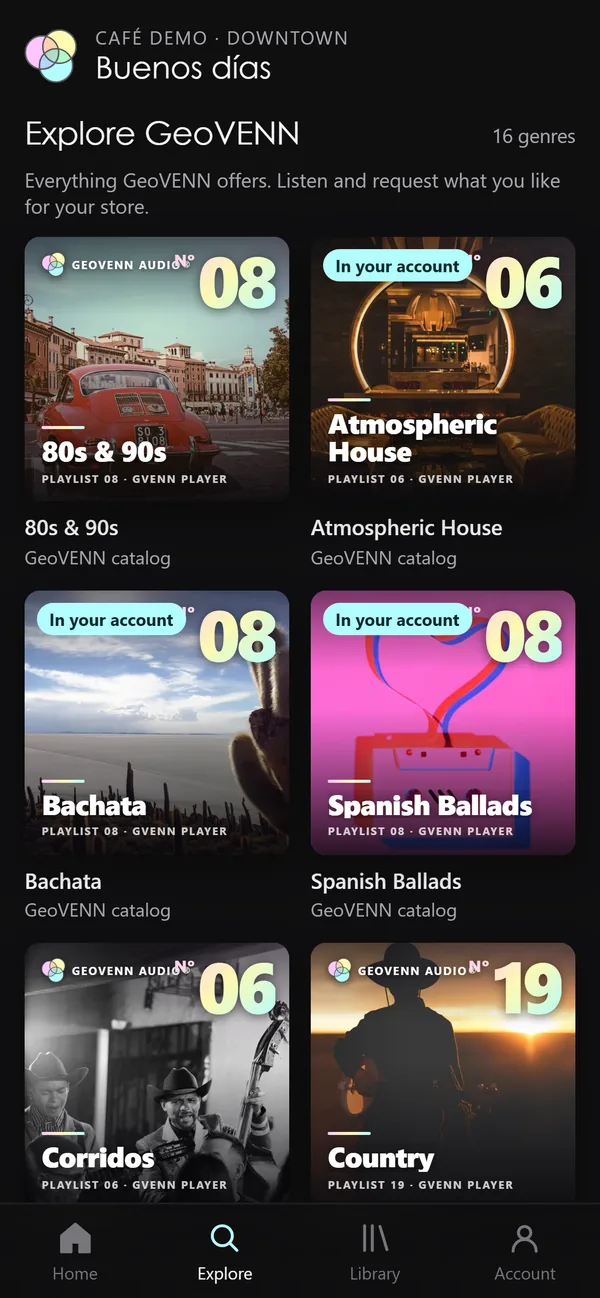
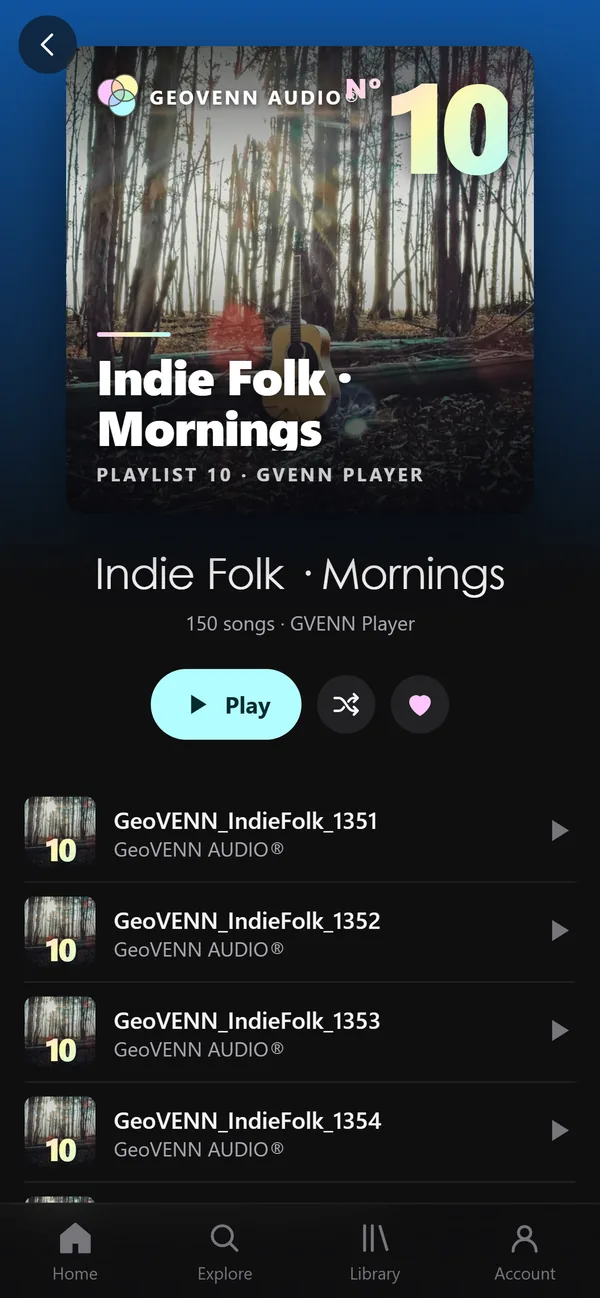
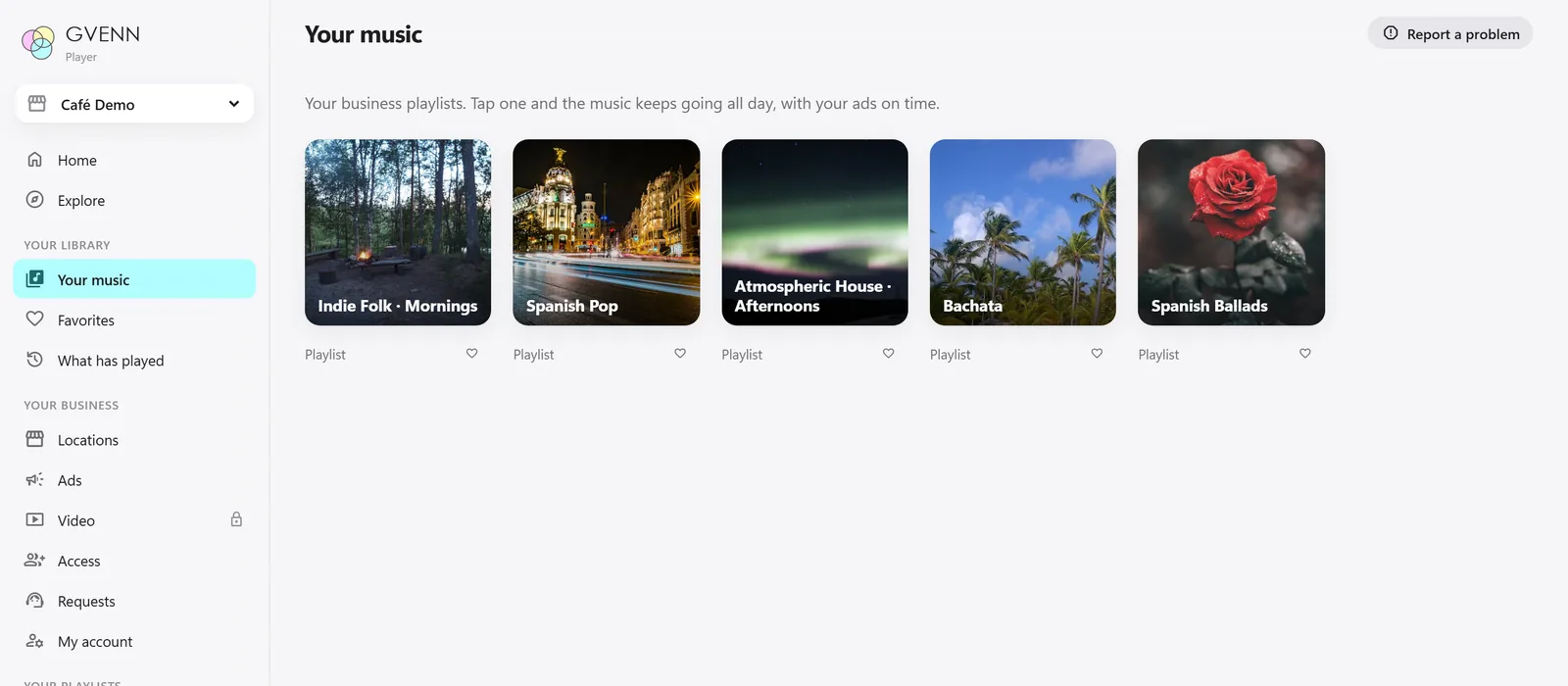
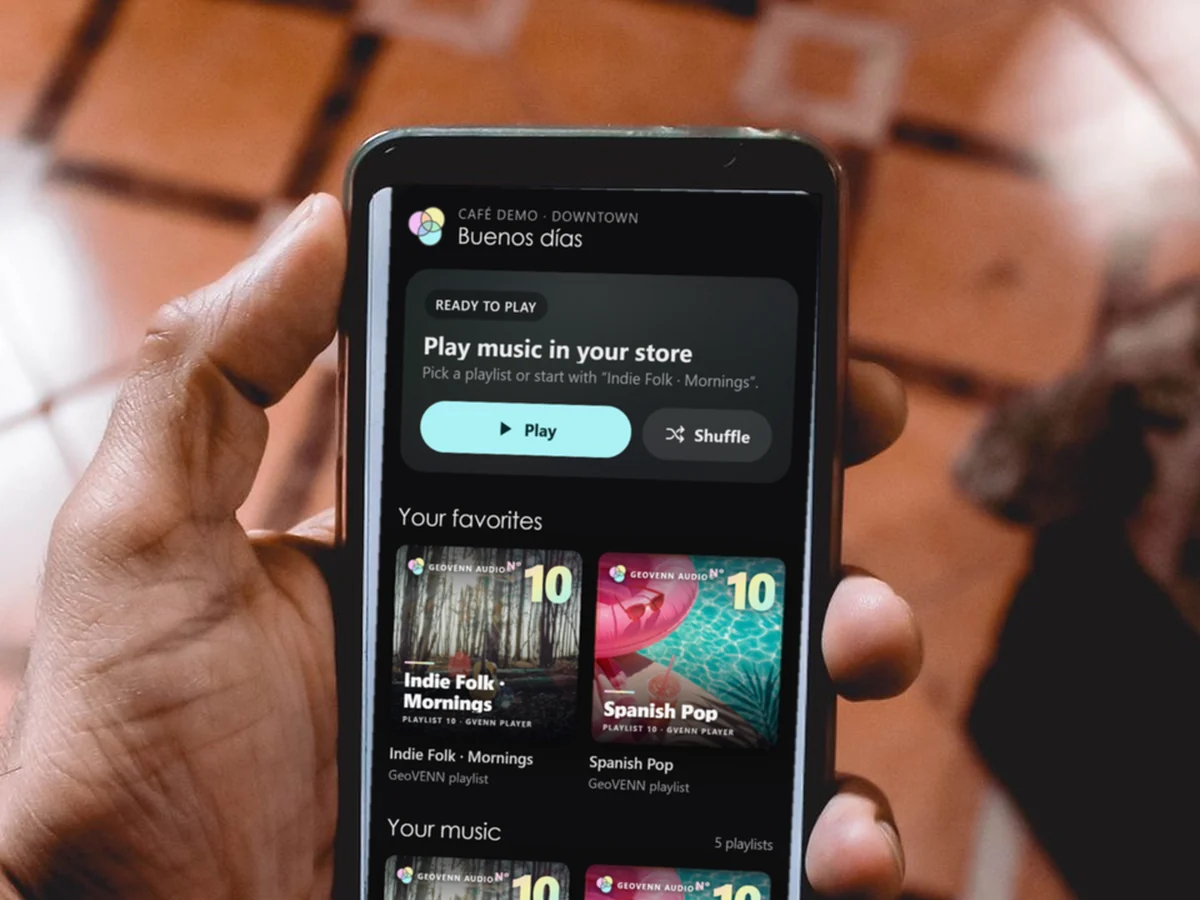
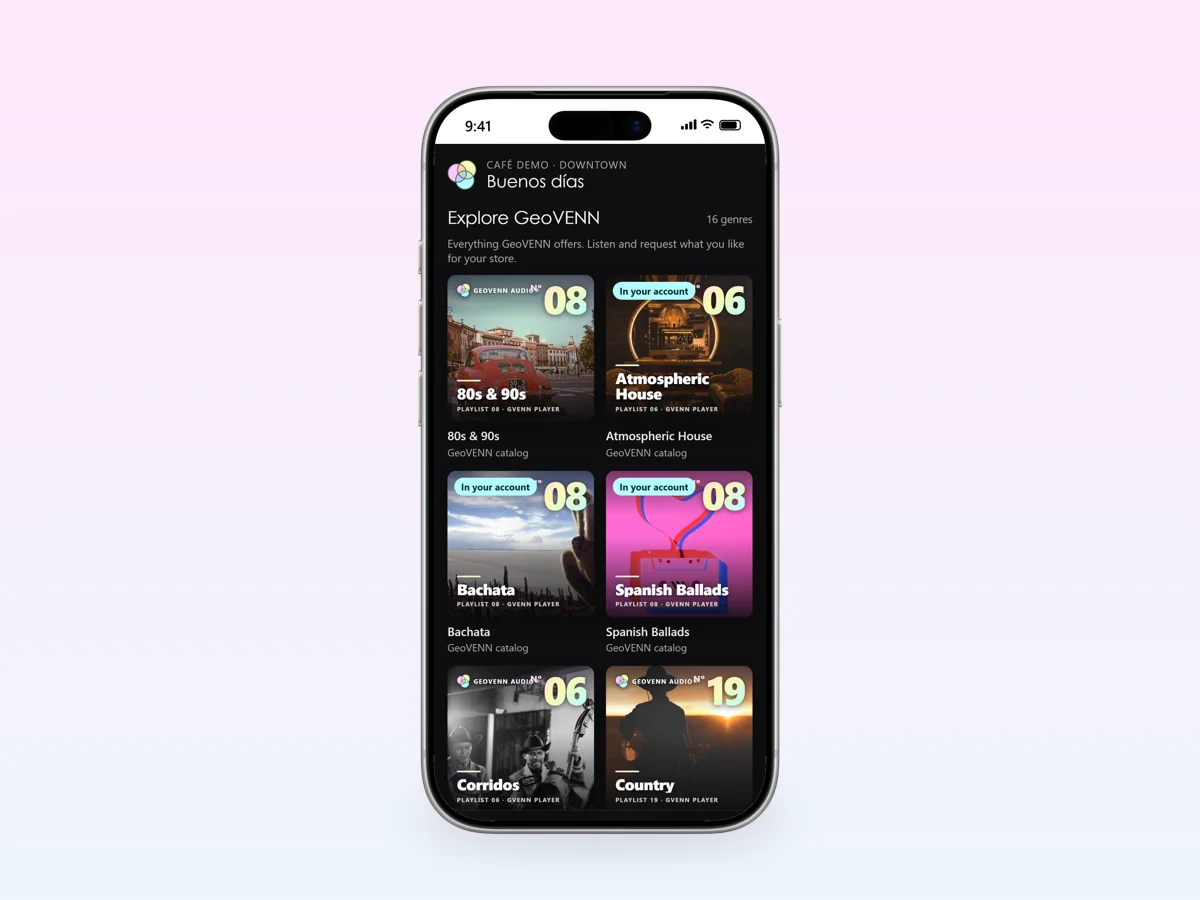
Your GeoVENN playlists, ready to play. Browse the catalog, listen to it and request what you like.
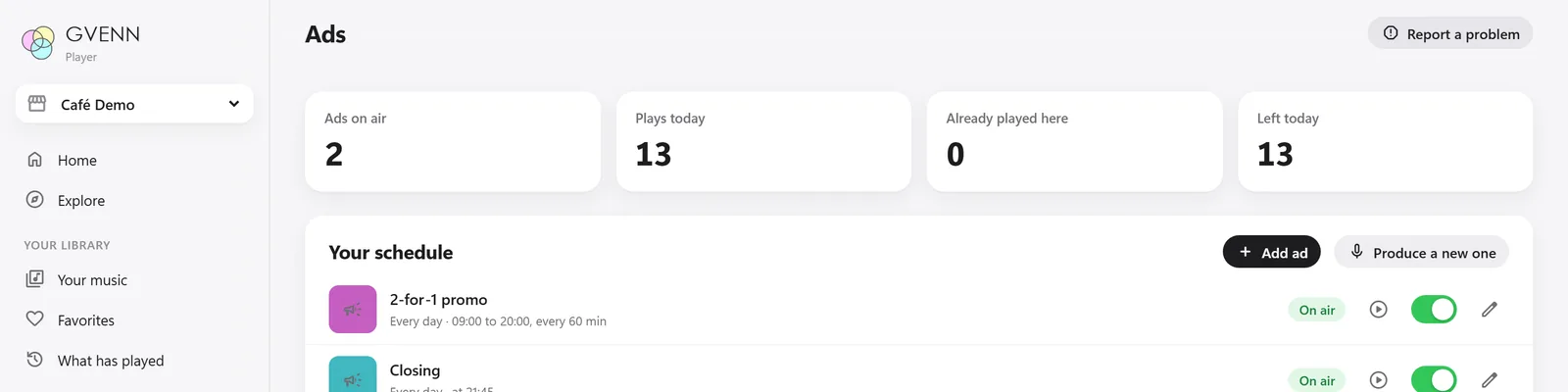
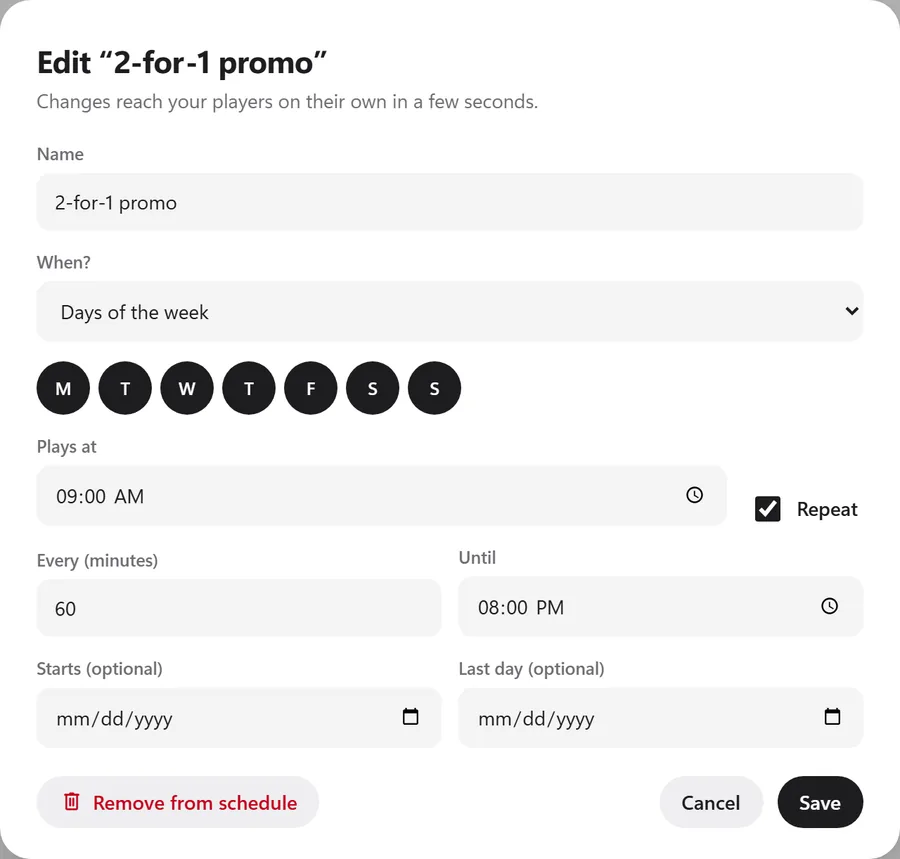
Choose the days, the time, how often it plays and until when. Pause or resume with one tap.
One account: pick the location and its music plays with its ads.
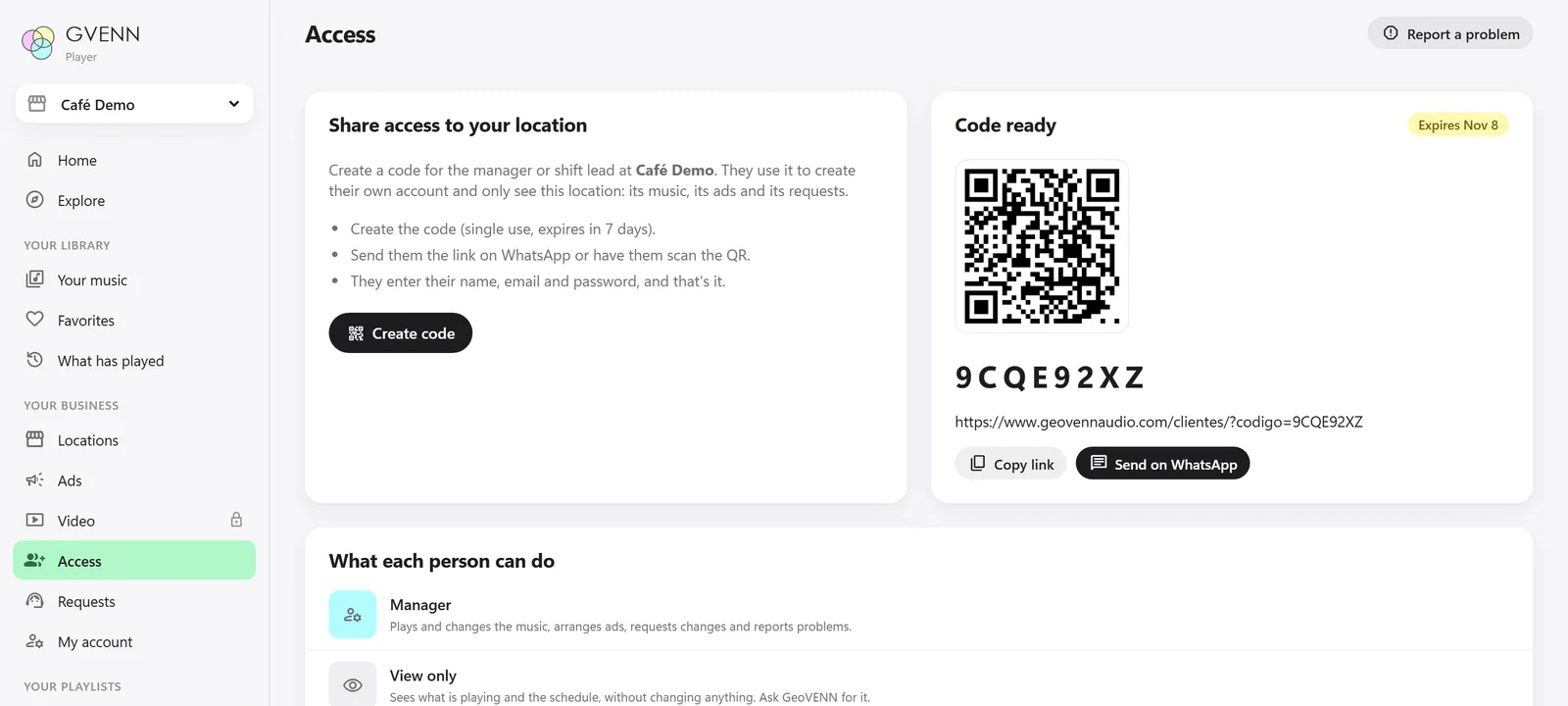
Create a code or a QR for each location's manager. They only see their own.
Different music, a new ad or more zones. We answer you right there.
Today's songs and how many times each ad played, as proof that your ads aired.
No sound, or the wrong music? It goes straight to GeoVENN support.
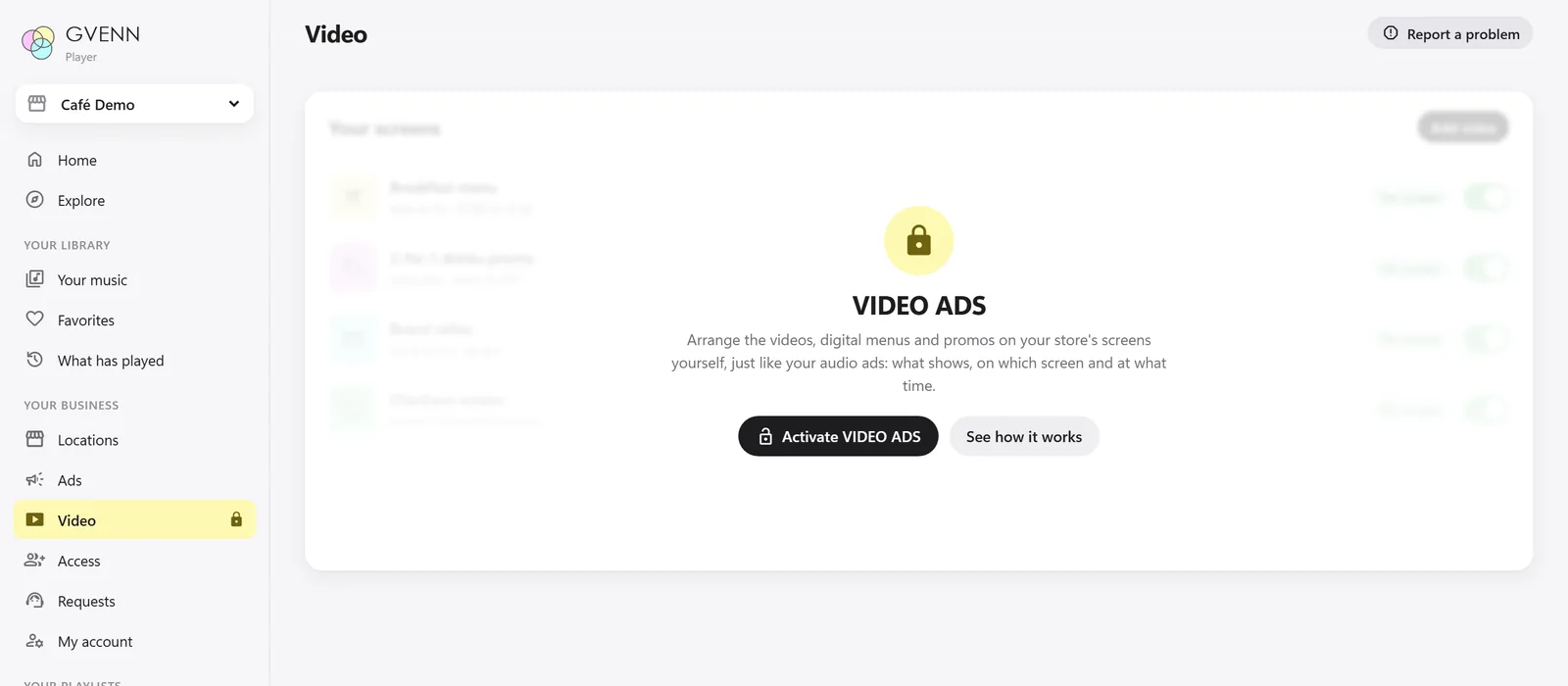
Arrange the videos and menus on your screens just like your ads. It opens when you add screens.
No calls or emails: change the schedule and it applies on its own in seconds.
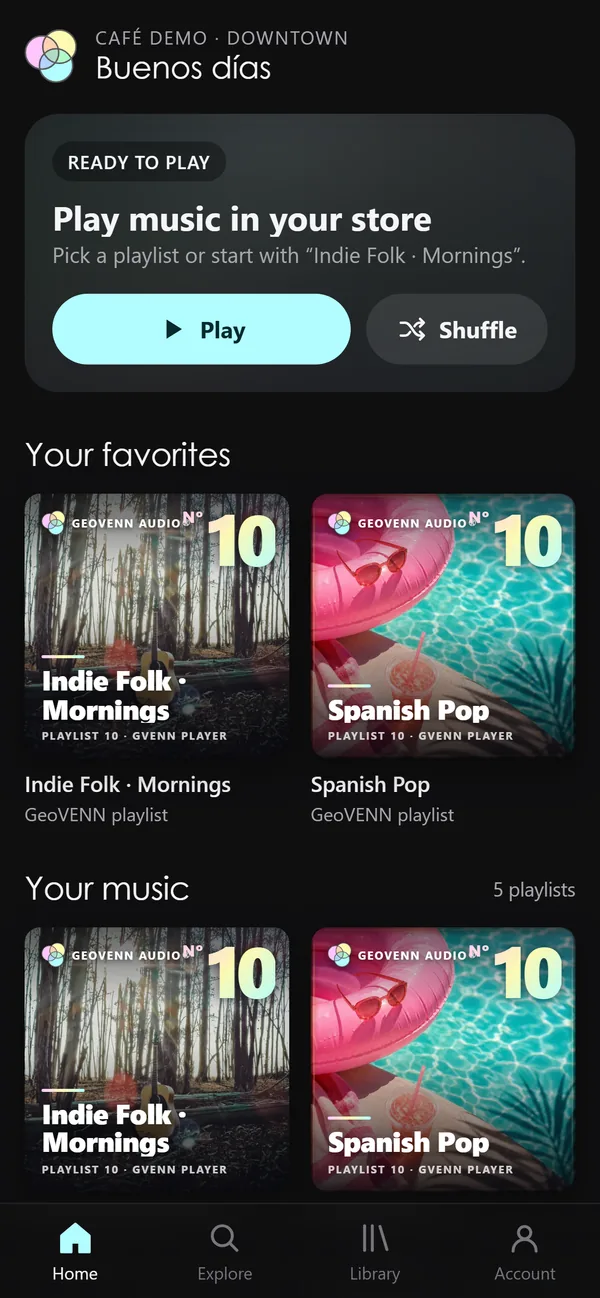
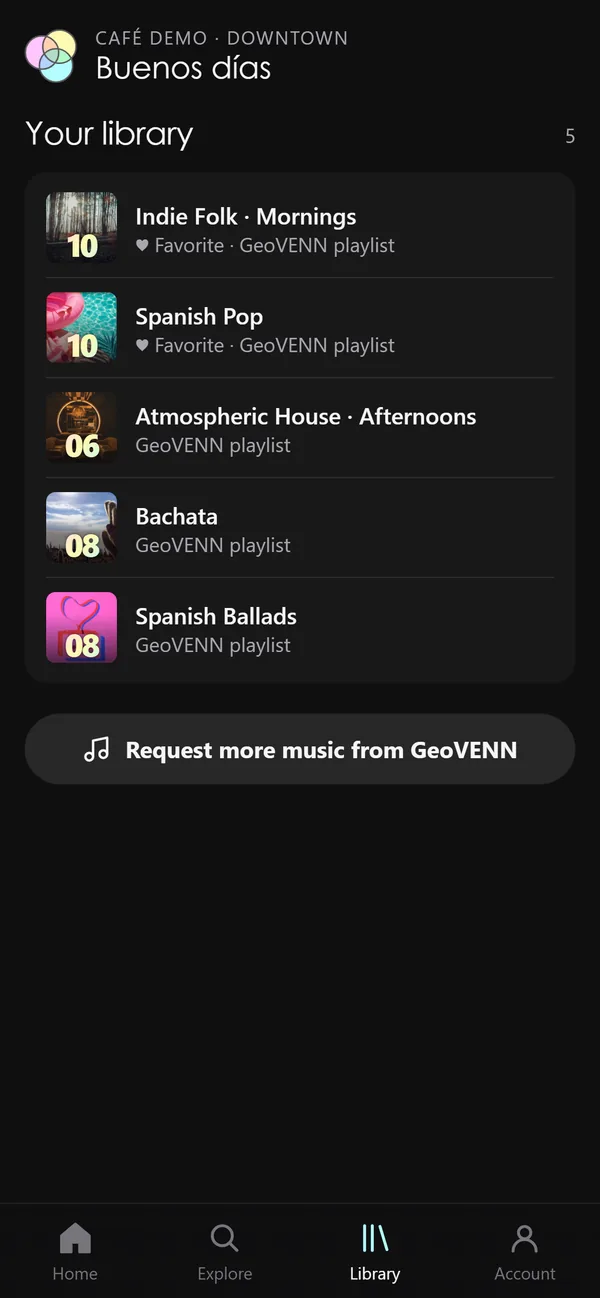
Play music in your store from your phone, like Spotify, with your ads on time.


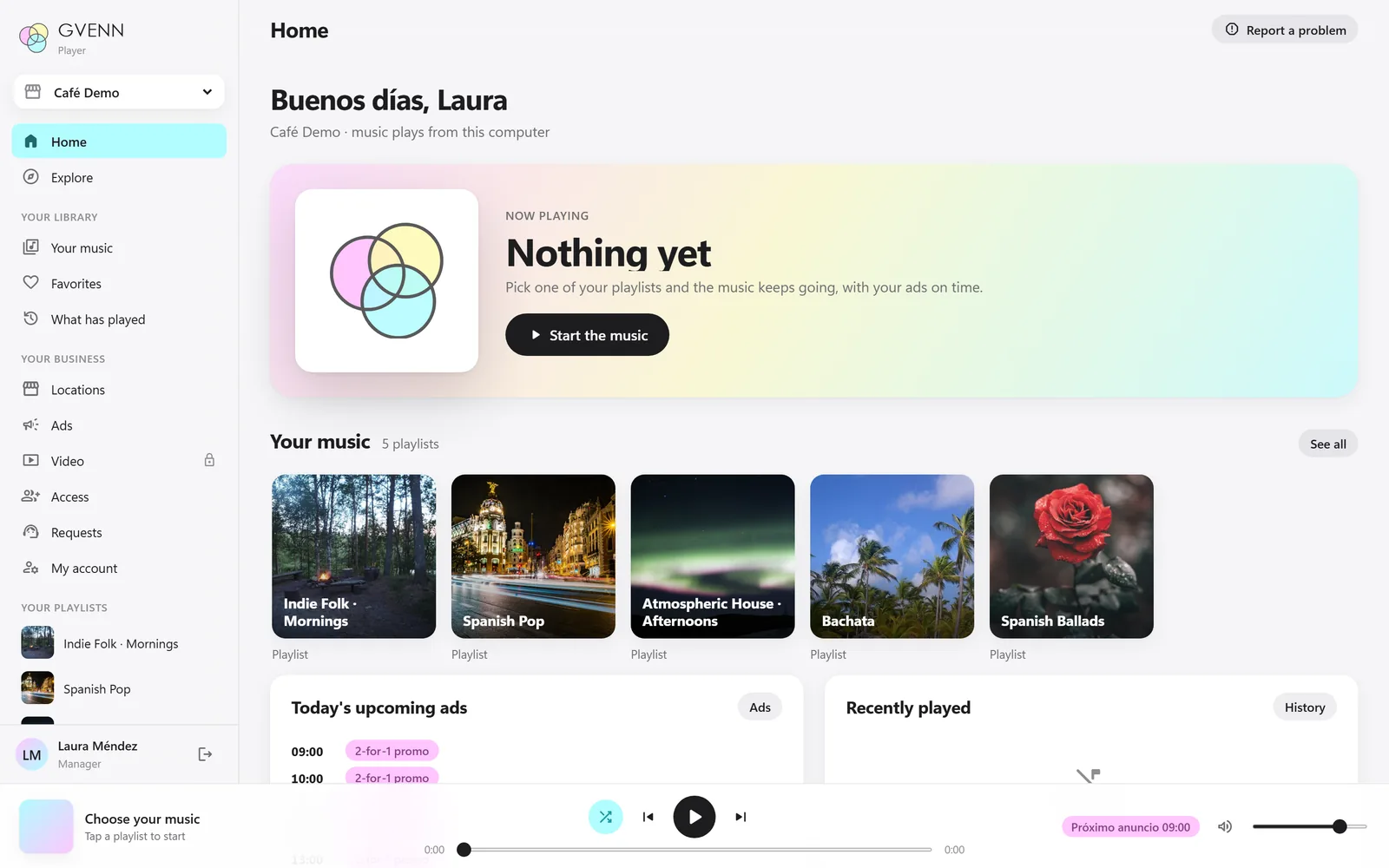
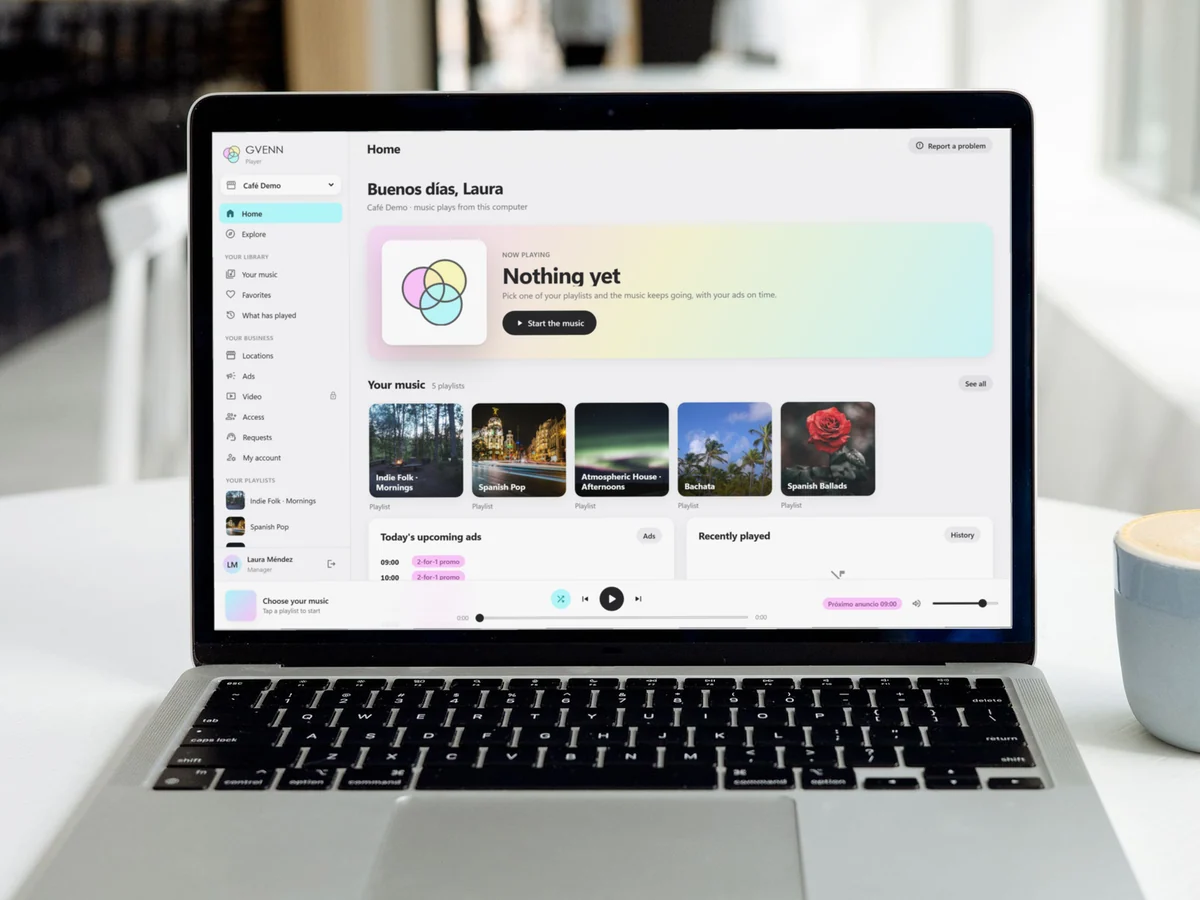
The store computer plays the music and the ads, and you manage everything from right there.

Start the music and the ads come in on their own, on time.

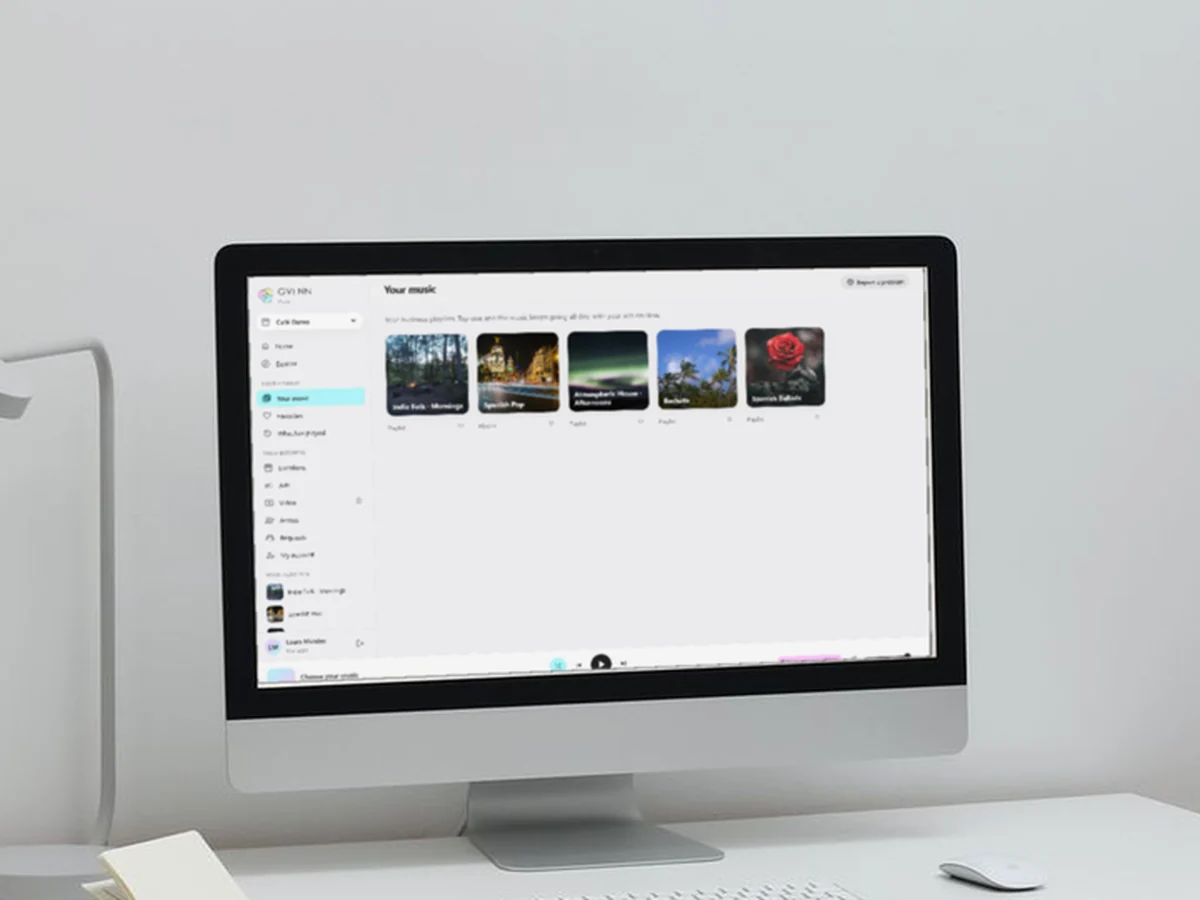
Tap one and the music keeps going all day.

One code or QR per location. Send it over WhatsApp.

Your screens are arranged the same way. It opens when you add VIDEO ADS.
See VIDEO ADS arrow_right_altNo. GVENN Player plays from your own computer, phone or tablet connected to your speakers; it does not connect to GeoVENN Routers. If you prefer dedicated equipment, we cover it in installation.
You rent it as a service for your business: you bring the computer, phone or tablet, and we bring the SACM-free music, your ads and the platform. See the plans on pricing.
With the email and password we give you when you sign up, on Sign in. If your manager shared a code with you, open their link and create your account.
Yes. You choose the days, the time, how often it repeats and until when it plays, and you can pause it whenever you want. If several locations share the same schedule, the brand account changes it, or you can ask us.
Your GeoVENN playlists: original music free of SACM and SOMEXFON fees. In Explore you can listen to the whole catalog and request anything you like for your store.
Yes. In Access you create a code or a QR for each location; your manager uses it to create their own account and only sees their store.
The video section comes locked: it opens when you add VIDEO ADS, and there you arrange your videos and menus just like your ads.
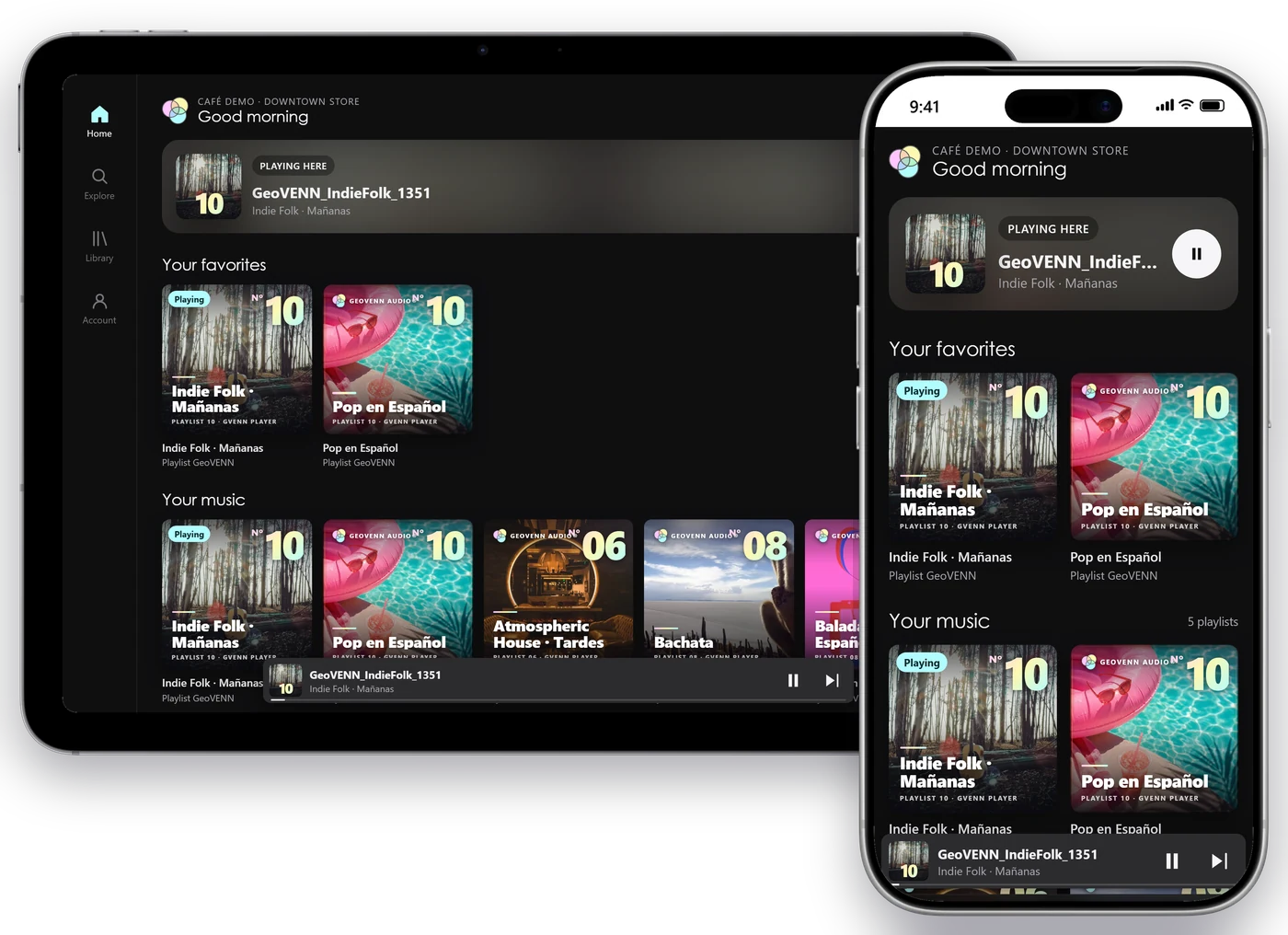
At 2 locations, from your own computer or phone. No equipment or installation.